
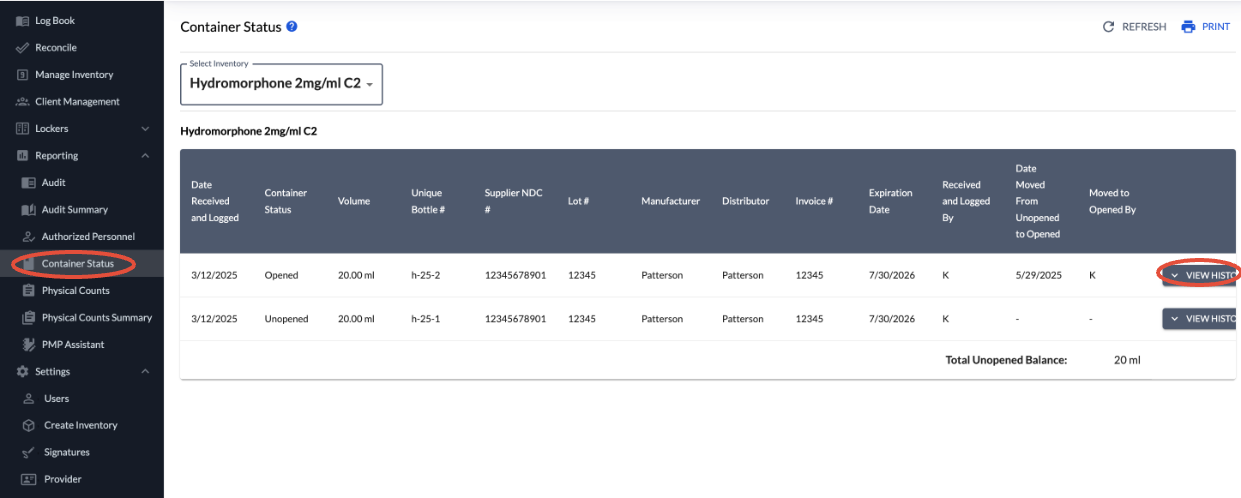
If you need to see all the information entered for a container, including changes made to them. Go to Container Status under Reporting, select the drug needed, and click View History on the container needed.
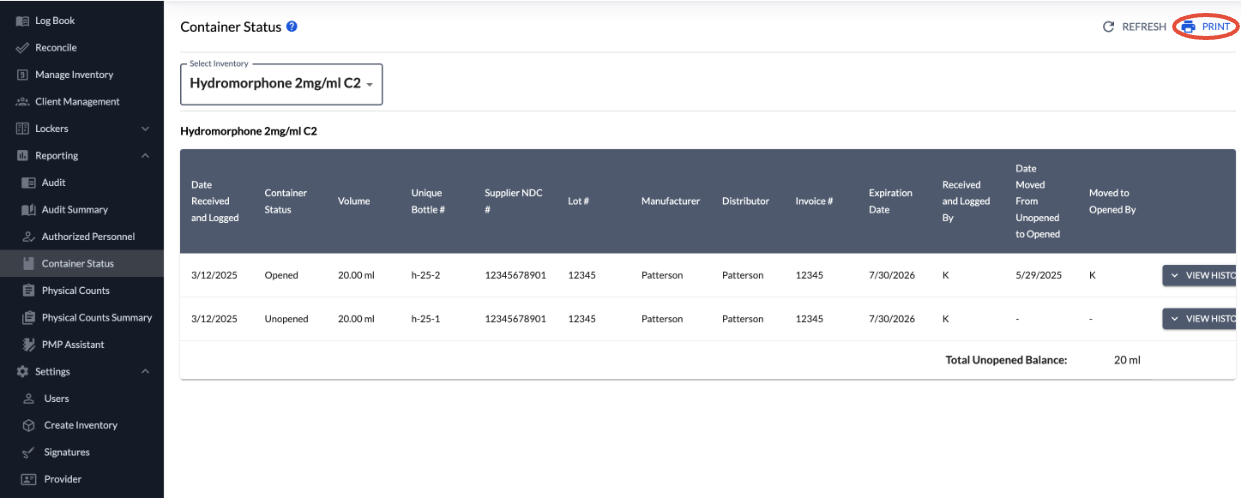
If needed, this report can also be printed off by selecting Print in the top right corner.
Privileged and confidential. For VetSnap and LogButler approved use only. Copyright © VetSnap Corporation and LogButler. All rights reserved. Not to be distributed, reproduced, modified, or used to create derivative works without explicit written permission from VetSnap Corporation or LogButler. VetSnap and LogButler are not DEA consultants and do not provide legal or regulatory advice regarding controlled substances.